
Phone Retouching vs. Professional Post-Processing: Where's the Line?
Phone filters vs. a pro's work. What's the actual difference?
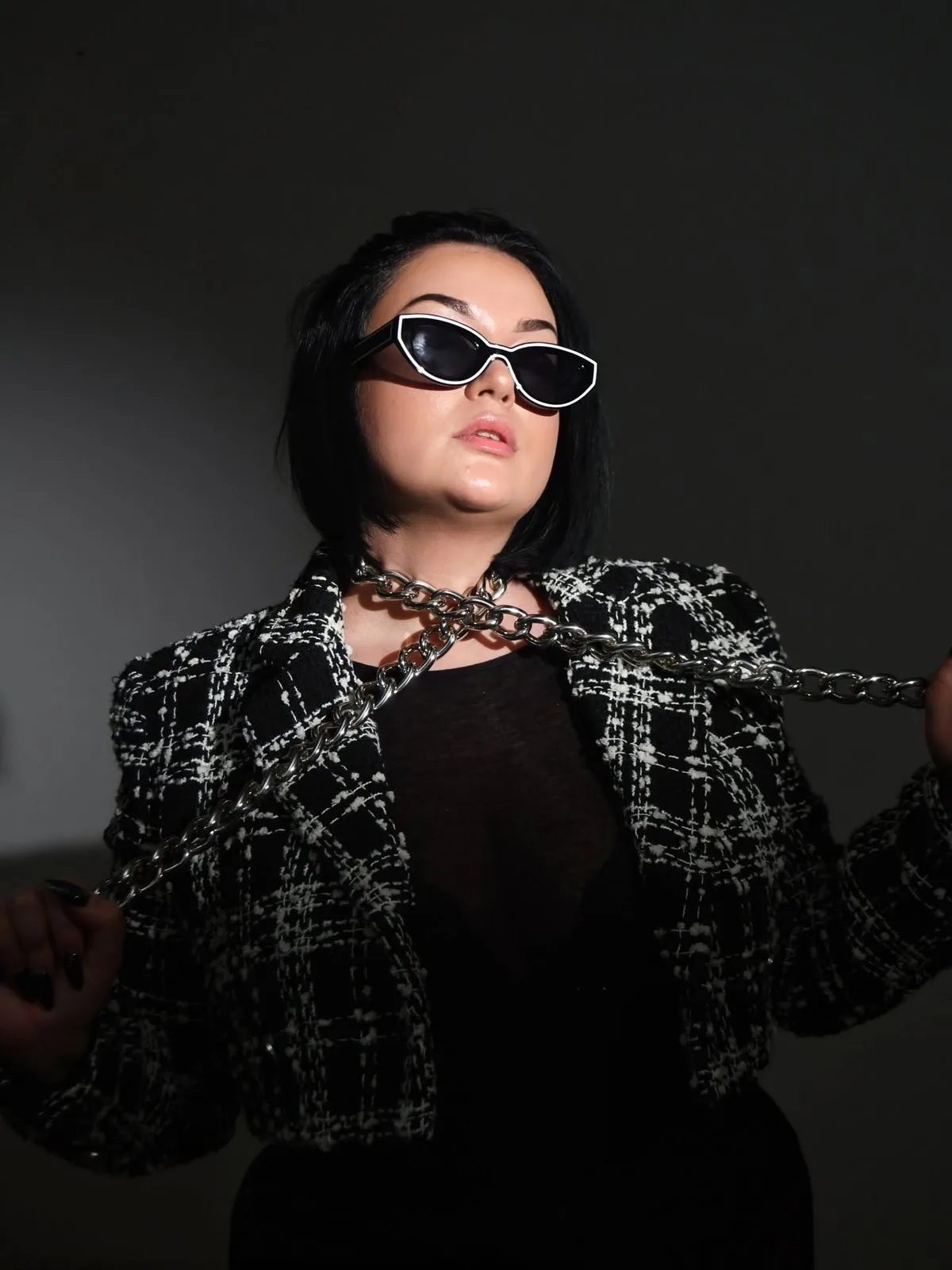
Filters on your phone vs. a professional's work. What's really the difference, and when is each enough?
What a phone can do
Phone apps can quickly adjust brightness, colours and add a filter. Great for social media and a fast result.
Filters work with preset curves and masks: they boost contrast, shift the colour cast or smooth skin with a single tap. The algorithm is generic, it treats every photo the same, regardless of light or skin tone.
The trouble starts with detail. A phone works with a compressed file (JPEG), not the raw sensor data (RAW), so once shadows or highlights are clipped, there's nothing left to recover and the result looks flat or blown out.


What professional post-processing does
Pro editing goes deep: light, tones, skin, details, a consistent style across a whole series. Gently, without making the photo look artificial.
We work from RAW files, which hold far more information about light, colour and detail than a phone photo. That lets us fine tune exposure, colour temperature and contrast without losing quality.
Skin retouching removes imperfections while keeping the skin's texture. The goal is to even out tone, not to erase every pore or wrinkle.
What post-processing actually involves
Post-processing is a series of smaller steps that build on each other: selecting the best frames, correcting exposure and white balance, cleaning up the background, retouching skin gently, and finally colour grading so the whole set feels consistent.
For portraits we also fine tune small details the eye won't consciously notice, like the catchlight in the eyes or the transition between light and shadow. For product or event photos we focus on a clean background, sharpness and a file ready for print or web.
Where the line is
A phone creates a look, while professional post-processing builds a quality that holds up even on a large print. The difference shows most when viewed larger, side by side.
The line of naturalness is where a photo stops looking like you and starts looking like someone else. Over-retouching shows up as unnaturally smooth skin, blurred edges around the face, or light that doesn't match the shadows in the background. Good post-processing is the kind nobody notices, they just say the photo looks great.
What works when editing photos
- Keep the skin's natural texture.
- Match colours and light across the whole series.
- Work on a calibrated monitor.
- Remove only temporary imperfections, not character.
What to avoid
- Smoothing skin into a plastic looking finish.
- Changing the proportions of a face or body.
- Letting photos from a series look inconsistent.
- Relying only on a phone filter for print.
Why it takes time, and why it is worth paying for
Editing a photo properly takes tens of minutes; a full series takes hours. Every image passes through a calibrated monitor showing true colour, not a phone screen's skewed rendering, so it looks just as good on screen as printed large on a wall.
Behind it is the experience to know when an edit helps a photo and when it hurts, and where to stop.
Our approach
We don't transform people. We refine light, colours and details so the photo looks like you on your best day.
We process each series as a whole, not photo by photo in isolation. That means every image from one shoot shares the same colour, light and style, whether it ends up on social media, in an album, or as a large print.
| What we compare | Phone retouching | Professional post-processing |
|---|---|---|
| Source file | JPEG, compressed | RAW, full sensor data |
| Tool | Filter, a single tap | Calibrated monitor, targeted editing |
| Skin retouching | Generic, flat | Sensitive, keeps texture |
| Consistency | Photo by photo | Whole series unified |
| Time | Seconds | Tens of minutes to hours |
| Result at print size | Loses quality when enlarged | Holds up even on a large print |
Retouching in moderation
- Phone: quick for social media
- Pro: depth, consistency, print quality
- The goal is naturalness, not transformation
- Less is more
Want to see the difference on your own photos? Get in touch.


Frequently asked questions
Is phone retouching enough for social media?
For quick sharing, yes, phone filters are enough. For print or a larger format, you'll run into their limits.
Why is RAW better than JPEG?
A RAW file holds far more information about light and colour, which lets us fine tune exposure and tones without losing quality.
Will the photo look unnatural after editing?
No, the goal is naturalness. We refine light, colours and details so the photo looks like you on your best day.
How long does professional post-processing take?
Editing a photo properly takes tens of minutes, a full series from a shoot takes hours.
Want to see the difference on your own photos?
We'll show you what sensitive, professional post-processing looks like in practice. Have a look at our services, or just get in touch.
Our services Get in touchQuick recap
- A phone creates a look, pro builds quality.
- The difference shows most at size.
- We don't turn people into someone else.
- A natural edit lasts.