
How to Develop and Print Digital Photos So They Keep Their Beauty
Kiosk prints vs. a quality print. The difference is bigger than you'd expect.

Kiosk prints vs. a quality print. The difference is bigger than you'd expect, and a few basics get the most out of your photos.
File quality
Print from the original, uncompressed files in high resolution. A photo downloaded from social media falls apart on paper. Social platforms automatically compress and shrink photos on upload so they load fast on a phone, and the resulting file can end up with only a fraction of the original resolution. On a larger print that shows up as blurred edges and colour blocks instead of smooth gradients. It's best to use the original file straight from the camera, the phone, or the cloud backup saved right after the shoot.

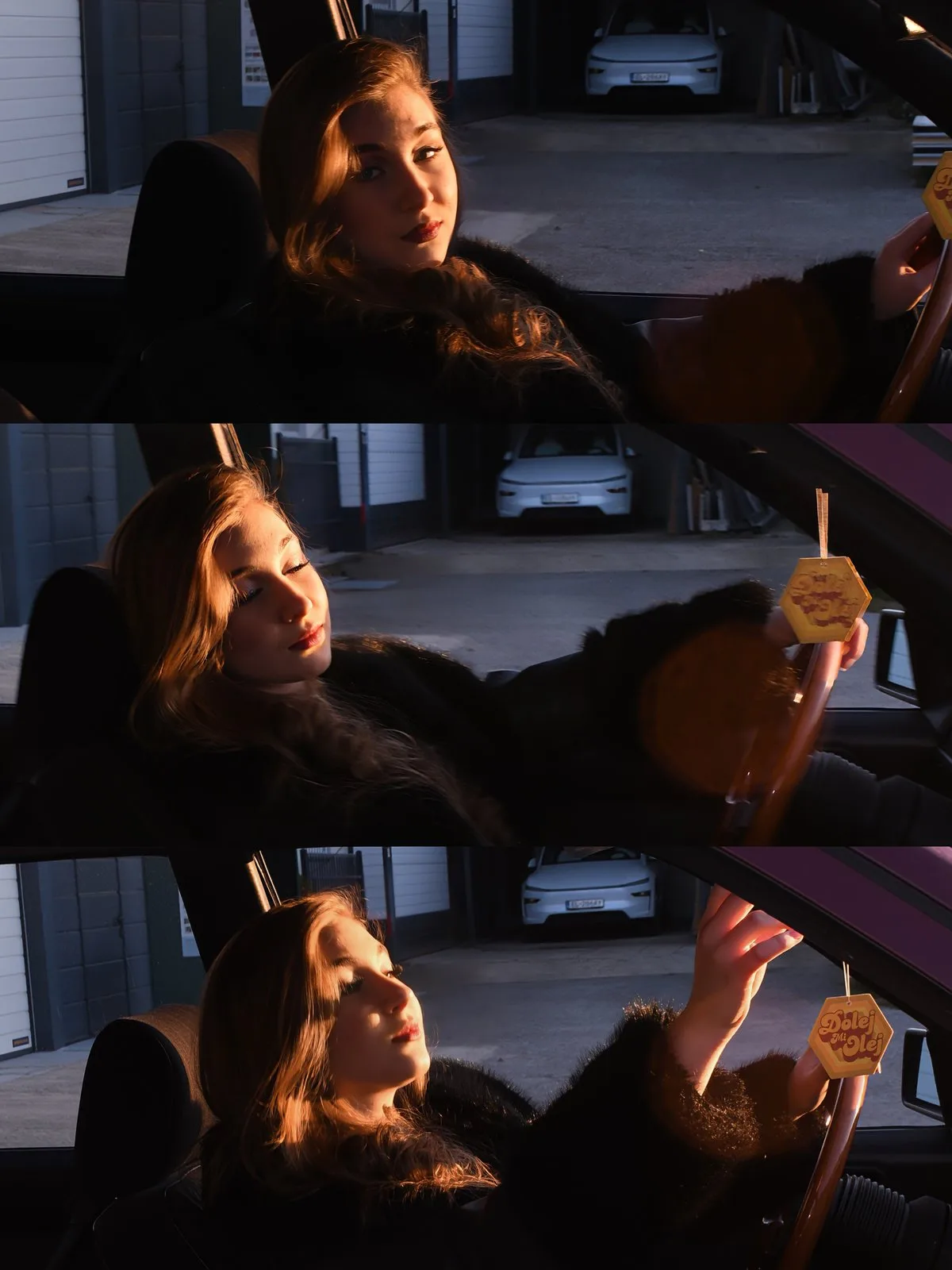
Resolution and DPI
Print quality is measured in pixels per inch, known as DPI. For a sharp print you'll hold in your hands, aim for around 300 DPI, while large wall formats can get away with less since you view them from further away. A twelve megapixel photo prints beautifully at A3, but the same file downloaded from a chat app might only have one or two megapixels, and that shows up on paper immediately. When ordering a print, always check how many megapixels the file actually has, not just the dimensions shown in a screen preview.
The paper matters
Matte, glossy or fine-art paper, each gives a different mood. Quality paper brings out a photo's details and colours. Glossy paper makes colourful, high-contrast shots pop, while matte paper hides fingerprints better and suits portraits with soft skin tones. Fine-art, cotton paper adds texture and feels like a painting, which is why it's often chosen for large wall prints or photo books.
Colours and calibration
What you see on screen may not match the print. Professional printing matches colours so the result matches the original. A screen emits light while paper only reflects the light falling on it, so the same colour can look different on each. Most cameras and phones save photos in the sRGB colour profile, which is also the standard used by most professional labs, so it's worth checking at export that the file stays in sRGB rather than a colour space the printer might not interpret correctly. A calibrated monitor helps too, since an uncalibrated screen can shift colours toward blue or green, leaving you unsure whether the issue is in the photo or in the display.
Cropping and aspect ratio
A phone photo usually has a different aspect ratio than common print sizes, such as 10x15 or 13x18 cm. The printer automatically crops part of the photo to fill the whole sheet, and if you don't leave enough space around the main subject, the crop can cut off part of a face or another important detail. Before sending a file to print, check the crop preview, or shrink the subject slightly so there's some margin left around the edges.
Where to print
A shop kiosk is fine for a quick one, but for photos meant to delight you for years, professional printing is worth it. A home printer is fine for a quick copy, but inkjet colours fade over time and everyday paper isn't built for long-term storage. A professional lab uses pigments and papers tested for lightfastness, so a photo keeps its colours even decades later.
For prints that look great
- Print from the original files
- Choose the right paper
- Account for colour calibration
- Check resolution and cropping before printing
- For lasting photos choose pro printing
Want printing without the hassle? We'll handle format, paper and colours, you just choose the photos.

What helps
- Print from the original, uncompressed files.
- Check cropping and resolution before printing.
- For lasting memories choose pro printing.
What to avoid
- Printing photos downloaded from social media.
- Relying on colours without calibration.
- Leaving the main subject too close to the edge.
Frequently asked questions
Why does a photo from social media print poorly?
Social platforms compress and shrink a photo on upload, so details are missing on paper.
What resolution do I need for printing?
For a sharp print you'll hold in your hands, aim for around 300 DPI, large wall formats can get away with less.
Why do print colours differ from the screen?
A screen emits light while paper only reflects it, so it's worth checking the colour profile and monitor calibration.
Do you take care of printing too?
Yes, we'll advise on format, paper and colours, you just choose the photos.
Want quality printing without the hassle?
We'll handle format, paper and colours so your photos last for years. Have a look at our services, or just write to us.
Analogue photography Get in touchQuick recap
- Print from high-resolution originals, ideally around 300 DPI.
- Paper gives a photo its mood, matte, glossy, or fine-art.
- Colours need matching, an sRGB profile and a calibrated monitor help.
- Check cropping and aspect ratio before printing.
- For keepsakes choose pro printing.